Free Emoji Generator: Make AI Emojis from Photo or Text
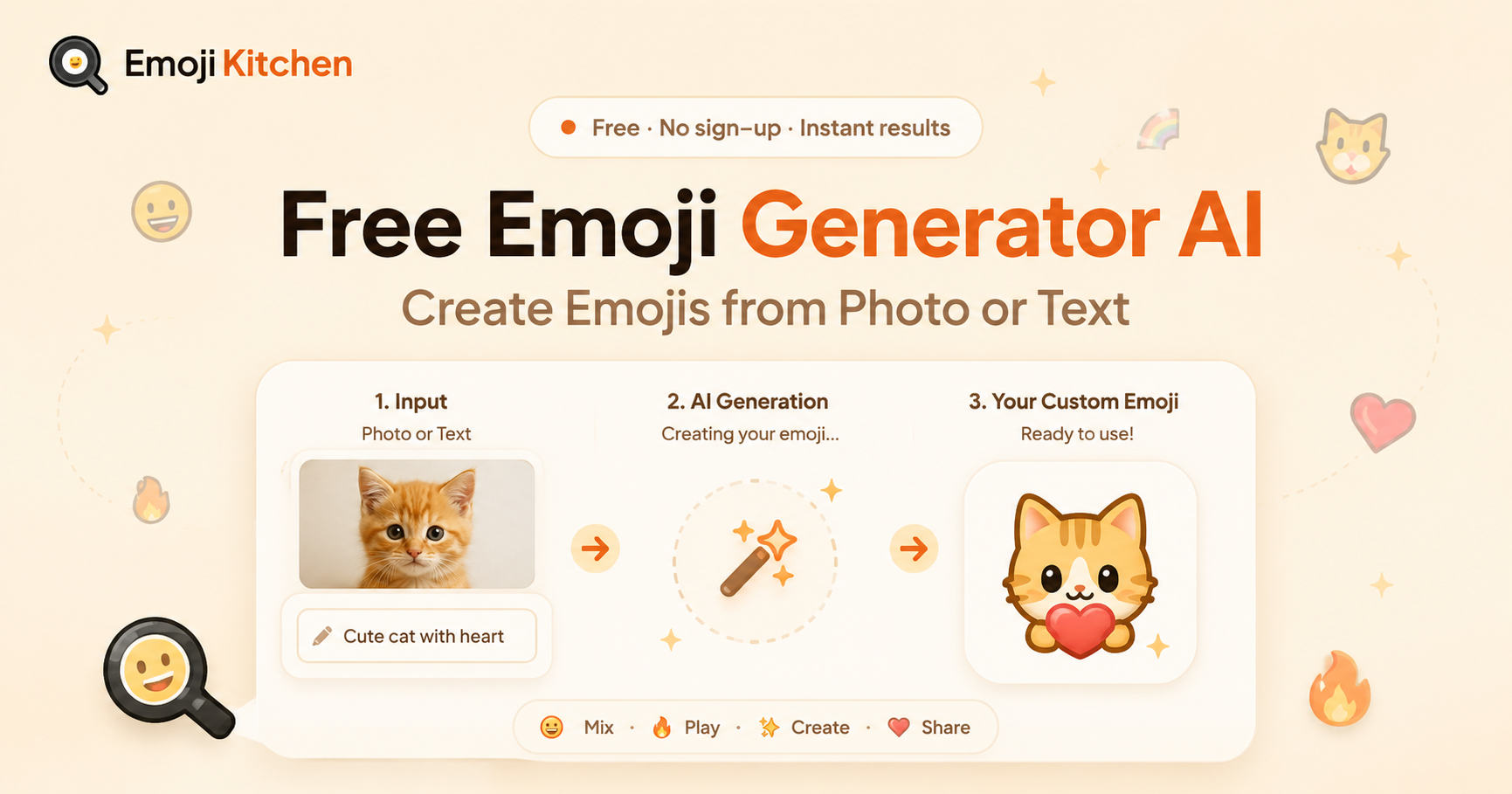
Free Emoji Generator: Create Custom Emoji Mixes Online
Need a reaction that says more than one emoji can? This free emoji generator lets you mix two compatible emojis into one sticker-style result. Pick a pair, view the mix, then copy or download it for a chat, post, or saved collection. There is no account to create and no design software to learn.
This tool focuses on emoji mixes, not AI-made images or new keyboard characters. It creates a custom sticker-style image from supported emojis, helping you share a more specific joke, mood, or reaction.
What Is an Emoji Generator?
An emoji generator is a tool that helps people create, arrange, or combine emoji-based content. Different tools have different jobs. Some convert words into emojis, some make images from prompts, and some create custom designs.
This emoji generator online focuses on one simple task: mixing two compatible emojis into a sticker-style result.
For example, you might pair a cat with fire for an intense reaction, a heart with a smiling face for a warmer reply, or a food emoji with a silly expression for a quick joke. You begin with familiar symbols, but the finished image can feel more personal than sending the two originals side by side.
Standard keyboard emojis and sticker-style emoji mixes are not the same. A keyboard emoji is a text character supported by a device or app. An emoji mix is an image-style result that you can copy or download for sharing.
How to Use This Free Emoji Generator
Using this emoji generator tool takes only a few steps. Start with the feeling, joke, or reaction you want to share.
- Open the emoji mixer and select your first emoji.
- Pick a second emoji that adds detail, mood, or contrast.
- View the generated result when the pair is supported.
- Copy the sticker if you want to use it right away.
- Download the image if you want to save it for later.
Not every pair will create a result. This does not mean anything is wrong with the tool. Some emoji combinations are supported, while others are not.
Try changing one emoji if your first choice does not work. Faces, hearts, animals, stars, food items, and everyday objects are often good starting points.
Emoji Kitchen gives you a quick way to test different pairs directly in your browser without installing another app.
Pick Emoji Pairs That Make Sense
The best emoji mixes usually have one clear idea. You do not need a perfect pair, but choosing a mood first makes the result easier to understand.
Start With the Feeling
Choose an emoji that matches your message. A laughing face, sleepy face, heart, star, or angry face gives your mix a clear direction.
Then add another emoji that changes the meaning. A smiling face with a flower can feel friendly. A shocked face with fire can suggest surprise or excitement. A heart with an animal can work well for a warm reply.
There is no single correct combination. The goal is to create a reaction that makes sense to the person receiving it.
Use Contrast for Humor
Unexpected pairs can make good reactions. Try combining an animal with food, a calm face with a dramatic symbol, or a cheerful emoji with something strange.
These combinations can work well for inside jokes, casual chats, gaming groups, and social posts. A mix does not always need a serious meaning. Sometimes the unusual result is the joke.
Save Your Favorite Results
When you find a mix you like, download it. Saving your favorite sticker-style images can help when you need a quick reaction later.
You can keep them for birthdays, group chats, funny replies, or themed posts. This also saves time because you do not need to search for the same combination again.
For fresh ideas, browse popular emoji combinations and test pairs that match the way you usually chat.
Emoji Generator vs. Standard Emoji vs. AI Image Tool
|
Option |
What It Makes |
Best For |
What to Expect |
|
Standard emoji keyboard |
A regular emoji character or supported emoji sequence |
Fast text messages |
Appears inside typed text, but the design may look different across devices |
|
Emoji Kitchen mixer |
A sticker-style blend of two compatible emojis |
Personal reactions, jokes, and image sharing |
Copy or download a supported emoji mix |
|
AI image tool |
A new image based on a prompt or uploaded image |
Detailed artwork or original visual ideas |
Results, styles, and sharing options vary by tool |
Use the option that fits your purpose. A keyboard emoji works well when you only need a simple symbol. An online emoji generator like this one works best when you want a quick visual twist made from two familiar emojis.
An AI image tool is different. It is better for creating a new picture from a detailed idea, not for fast emoji mixing.
Where Can You Use Emoji Mixes?
Emoji mixes work best in places where you can paste or attach an image. You can use copied or downloaded results in personal messages, group chats, social captions, community posts, and other apps that accept pictures or stickers.
Check the result before sending it because each platform can handle copied images differently. Some apps may paste the mix directly, while others may work better when you upload the downloaded image.
A custom emoji mix can be useful when one standard emoji feels too plain. Use one for a celebration, a friendly response, a funny reaction, an inside joke, or a themed post.
Keep the setting in mind. A playful sticker can fit a friend group or gaming chat, but it may not suit a formal school or work message.
Need help using the tool on different devices? Read how to use Emoji Kitchen for simple browser and sharing tips.
Why an Emoji Mix May Not Appear
A missing result usually happens because the selected pair is not supported. This tool works with available emoji combinations, so it cannot create every possible mix.
Try these quick fixes:
- Change one of the emojis and try again.
- Start with a common face, heart, animal, food item, or symbol.
- Refresh the page if the tool did not load properly.
- Try another browser if the preview does not appear.
- Download the result if copying does not work in a specific app.
This tool does not create new Unicode emojis. It also does not turn a photo, text prompt, or uploaded image into an emoji. It is designed for mixing two existing compatible emojis into a sticker-style result.
Knowing that difference helps you choose the right tool and avoid expecting features that belong to a separate type of generator.
Why Use an Emoji Generator Online?
A free emoji generator is useful because it removes extra steps. You do not need a design app, an account, or advanced editing skills.
Choose two emojis, check the result, then copy or download it. That makes it useful for people who want a quick visual reaction without spending time on a full graphics tool.
Emoji mixes can also make your replies more specific. One emoji can show a basic mood. A mixed result can combine an emotion, object, animal, or symbol into something closer to what you want to say.
This tool is built for quick results. It is not meant to replace a full image editor. It gives you a simple way to make a sticker-style reaction when words alone do not feel enough.
Emoji Generator FAQs
Is this emoji generator free?
Yes. You can try supported emoji combinations without paying for individual mixes.
Do I need to sign up?
No. This is an emoji generator no sign up tool. Open the mixer, choose two emojis, and make a supported result.
How do I use an emoji generator?
Choose two compatible emojis, check the result, then copy or download it. Try another pair if your first combination does not produce a mix.
How do I get the emoji generator on my phone?
Open the tool in your mobile browser. You can use the mixer without installing a separate emoji-mixing app.
Are the results new emojis on my keyboard?
No. The results are sticker-style images, not new keyboard emoji characters. You can copy or download them for apps that support images or stickers.
Why does my emoji mix look different after I share it?
Apps can handle copied images, stickers, and previews in different ways. Downloading the result and sending it as an image can help when direct pasting does not work.
Can I mix three emojis at once?
This tool is made for two-emoji combinations. Select two emojis to create one supported sticker-style result.
Make Your Next Emoji Mix
A good emoji mix starts with one clear feeling and a second idea that adds detail. Choose a pair, check the preview, and save the results that fit your style.
This emoji generator gives you a fast way to make sticker-style reactions that you can copy or download without extra setup. Try a few combinations now, then visit popular emoji combinations when you need ideas for a chat, post, or group conversation.